

Tools
Projekt
Run your projects and tasks
Organise your projects, assign tasks and keep track of deadlines. Your projects stay connected to your clients and documents in Klark.
Try for free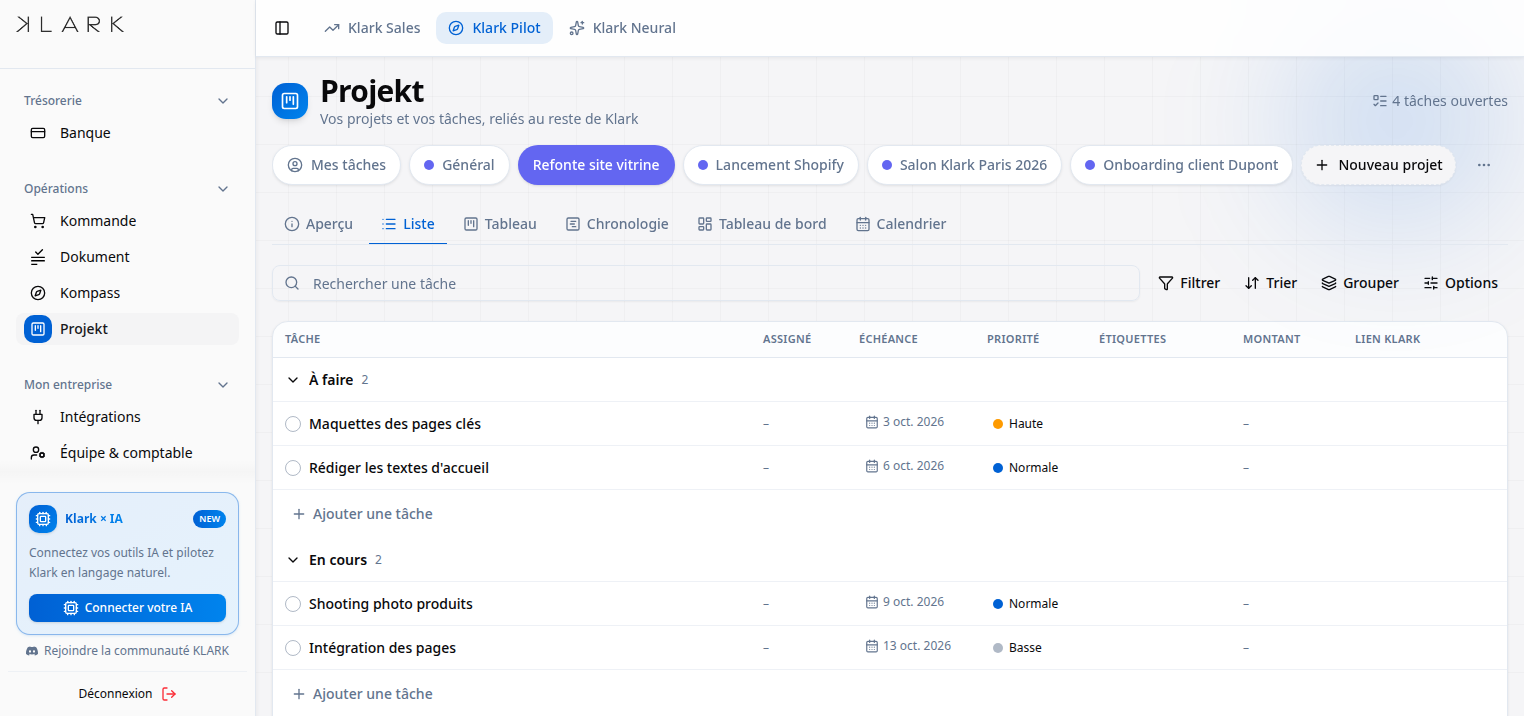
Why Projekt?
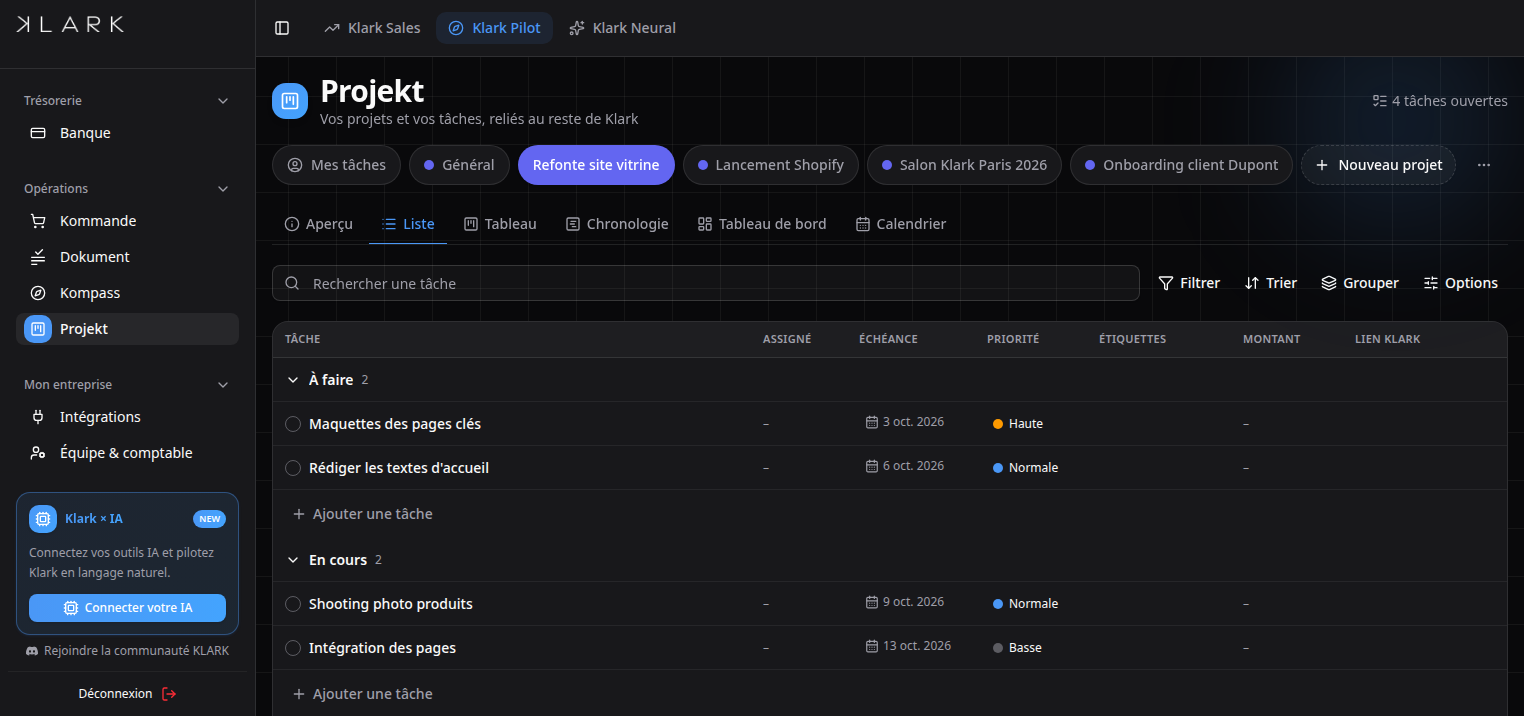
- Six views on the same project: overview, list, board, timeline, dashboard and calendar
- Tasks assigned, dated and prioritised
- Progress visible at a glance
- Projects linked to your CRM clients
- Project templates to start faster
- Share a project by link, with no account to create
Who is it for?
How does it work?
01
Create
Create a project, on its own or linked to a client.
02
Break down
Add tasks, their dates and who is responsible.
03
Track
Overview, list, board, timeline, dashboard or calendar.
04
Share
Give your client the progress through a simple link.
Frequently asked questions
Is Projekt suitable for a one-person business?
Yes. The views and tasks work just as well for one person as for a team, with no setup required.
Are my projects linked to my clients?
Yes, a project attaches to a client record in your Klark CRM, with its quotes, invoices and documents.
Can I show progress to a client?
Yes, a project can be shared through a link your client opens without creating an account.
Projekt
Get started with Projekt today
Included in all Klark subscriptions.